Waterbury
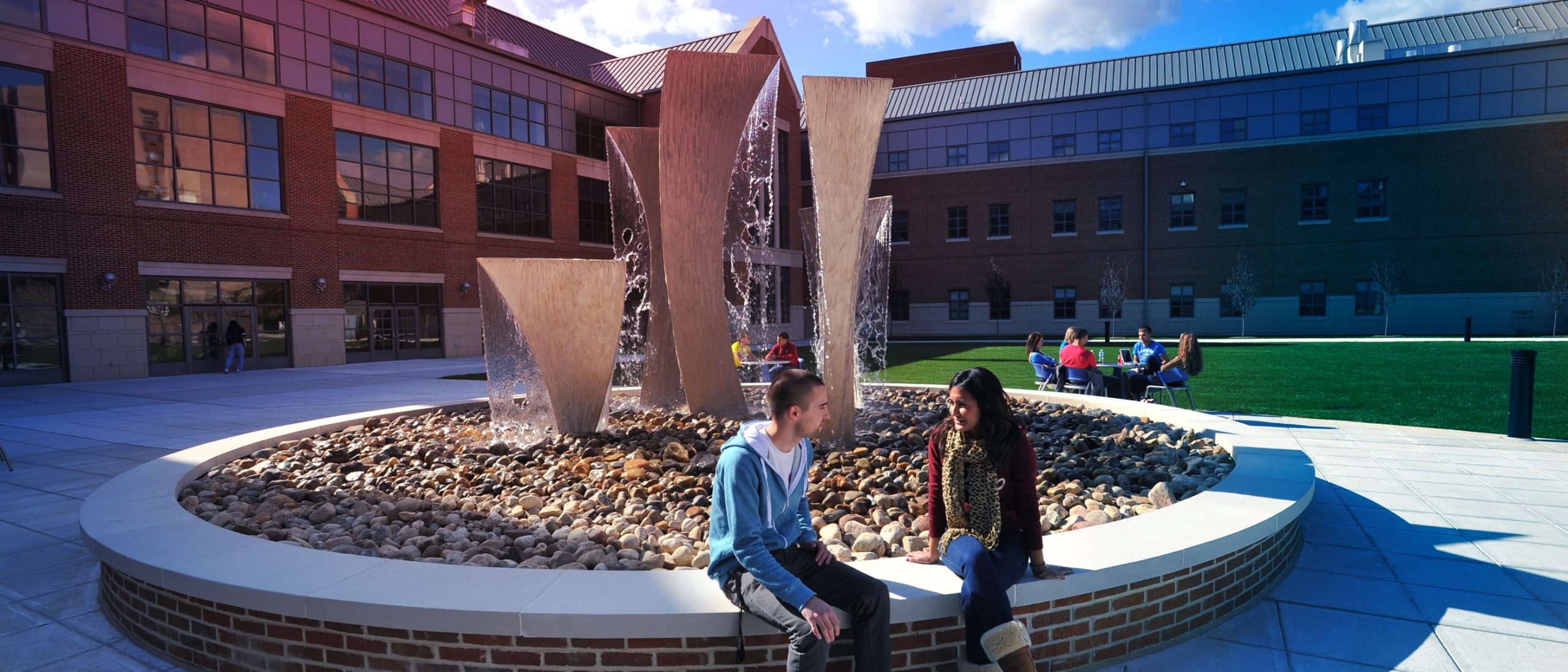
Embrace Urban Connections
For over 70 years, UConn Waterbury has been a gateway to educational access and academic excellence for thousands of students.
At UConn Waterbury, students benefit from a comprehensive, high-quality education supported by dynamic classroom instruction, hybrid learning, and meaningful hands-on experiences. The campus empowers students to reach their full potential—academically, professionally, and personally.
Students now enjoy expanded academic and student life opportunities in the newly renovated, Neil O’Leary building, formerly the historic Odd Fellows Hall. The campus also leverages its downtown location and Waterbury’s robust network of healthcare institutions and nonprofit organizations, including UConn Health Waterbury Hospital and Trinity Health Of New England’s Saint Mary’s Hospital, to deepen community connections and expand opportunities for experiential education, service, and career exploration.
Whether your path leads to business, education, healthcare, law, public service, or beyond, UConn Waterbury provides the foundation for meaningful impact. Learn from distinguished faculty, engage in research, and make a difference—right here, without missing a step.
Featured Majors
Allied Health Sciences*
American Studies
Business Administration**
Business Data Analytics
English
General Studies
Human Development & Family Sciences***
Psychological Sciences
Urban & Community Studies
* Concentrations include Public Health and Health Promotion, and Health Sciences. Only UConn regional campus where students can complete the Allied Health Sciences major
** Only campus with this highly flexible major
*** Specializations include Early Childhood Education and Aging/Gerontology
Contact Us
For more information or to schedule a tour of UConn Waterbury:
waterbury.uconn.edu
(203) 236-9803
beahuskywaterbury@uconn.edu
UConn Waterbury offers group visits for high schools, community colleges, and community-based organizations that work with students in 9th grade and above. Request a group tour.
By the Numbers
$18,450
in-state tuition and fees,
2026-2027
22:1
student-faculty ratio
750+
undergraduate students
59%
UConn Waterbury Huskies are ethnic and racial minorities
Love to Learn
UConn’s rigorous majors prepare you for a lifetime of learning and accomplishment. You can select from a variety of UConn’s 125+ majors, including Nursing*, completing your first 54 credits (typically two years) at UConn Waterbury, and then seamlessly transition to UConn’s main campus in Storrs to finish your bachelor’s degree.
Or, complete your degree at UConn Waterbury by selecting from a variety of four-year degree programs.
UConn Waterbury also offers a variety of post-baccalaureate options, with undergraduate programs serving as direct pathways to many of UConn’s graduate and professional programs in Education and Nursing.
* UConn Waterbury is the only regional campus offering the Waterbury-to-Storrs Nursing Pathway, allowing students to begin their Bachelor of Science in Nursing at Waterbury and transition to Storrs to complete the degree.

Kick-start your student life
Your best is about to get even better. UConn Waterbury’s modern facilities provide the backdrop for a tight-knit community of engaged students and dedicated world-class faculty.
At UConn Waterbury, students can:
- Participate in UConn’s Honors Program, an enriched academic experience for eligible top scholars
- Obtain academic assistance through our Academic Achievement Center, Learning Lab, R.I.S.E program, and Writing Center
- Access the entire University Library system via UConn Waterbury’s campus library
- Discover future career paths and create actionable goals with the Center for Career Readiness & Life Skills
- Choose from over 200+ Experiential Global Learning and study abroad opportunities including internships, field work, and research programs
At UConn Waterbury, there are also plenty of opportunities for involvement and fun. Students can:
- Join one of over 10 student clubs and organizations such as, the Business Society or KPOP Fusion Club
- Assist in organizing student activities and fostering leadership development through participation in the Associated Student Government
- Reside and socialize in the Brown Building; centrally located, privately owned student housing
- Explore the Mattatuck Museum, just steps from campus, to discover the rich history and culture of historic Waterbury
Interested in healthcare careers?
Students can complete the Bachelor of Science in Allied Health Sciences entirely at UConn Waterbury. Eligible students may also pursue a specialized pathway that allows them to complete an Allied Health Sciences degree in 3.5 years and apply to UConn’s Accelerated Second-Degree Nursing (CEIN) program, creating an expedited route to a Bachelor of Science in Nursing.