Fall Campus Visit Day at UConn Storrs
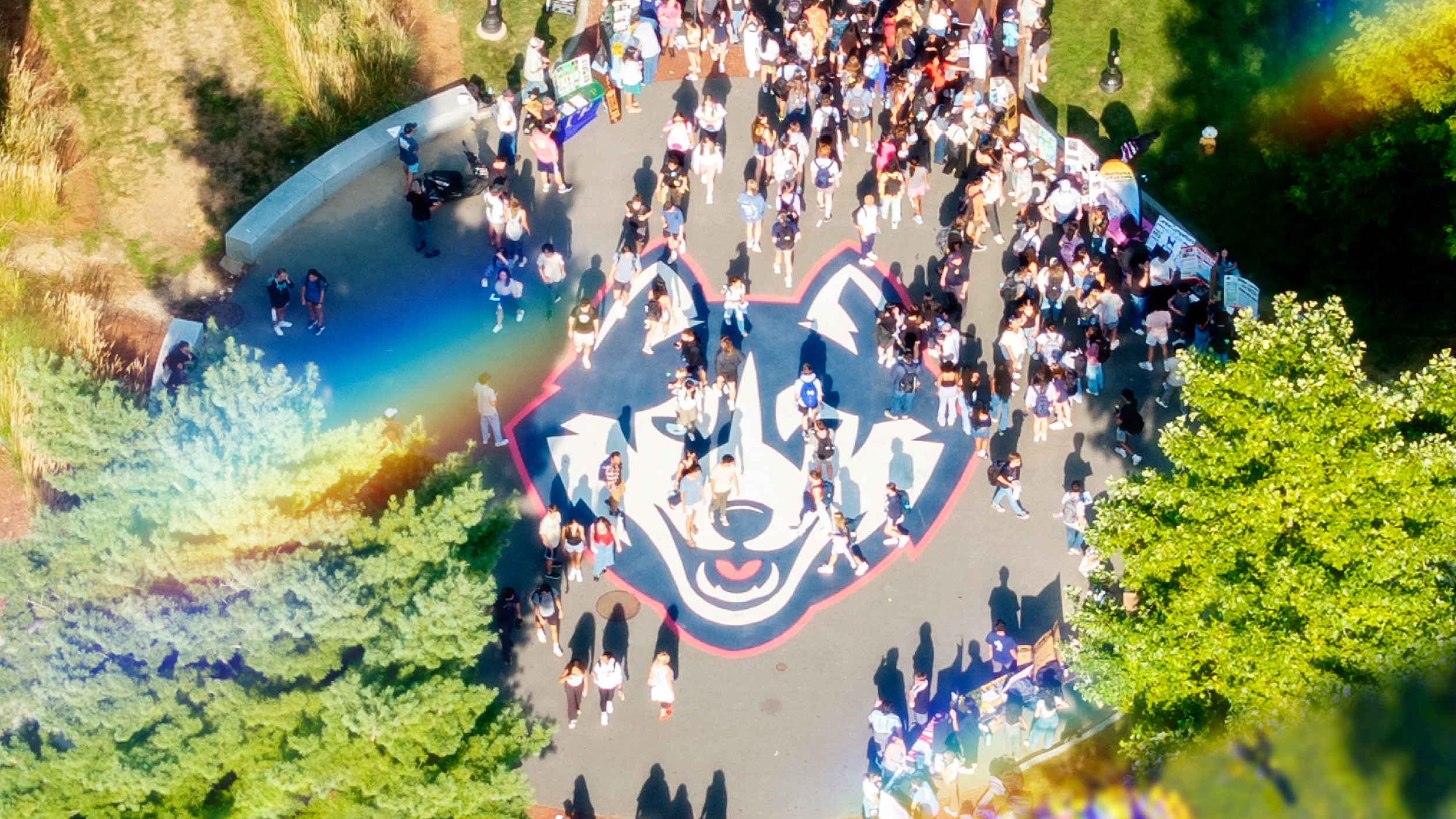
Fall Campus Visit Days
10:00 a.m. – 3:00 p.m.

Directions and PArking
We anticipate a high volume of visitors. Please follow our directions to campus and allow extra time to arrive. Campus signs and security will direct all vehicles to the North Parking Garage or South Parking Garage (both free of charge during event).
check-in
On the morning of Fall Campus Visit Day, students will receive an email and text message containing the link (QR code) needed to check in. Present this QR code at one of two check-in tents located at the top of Fairfield Way (across from Gampel Pavilion) or outside the Jorgensen Center for the Performing Arts. Printed programs are available at both check-in areas.
Dine out
Brunch is available from 10:30 a.m. – 2:00 p.m. at a variety of award-winning dining units across campus during both Fall Campus Visit Days at a discounted rate of $12 for adults/$8 for children 10 and under. All units operate on a credit card-only basis (no cash).
Union Street Market is a seven-concept eatery located in the Student Union that offers a wide variety of exciting meal options, including made-to-order burritos, specialty salads, and internationally-inspired bowls. Hours of operation are 10:30 a.m. – 9:00 p.m.
Top Visit Tips
- Plan to arrive to sessions early as demonstrated interest does not guarantee one’s spot in a session. Visitors are welcome to attend any session pending space availability.
- Connect with our schools and colleges in the morning. If there is a particular major or area of study you’re interested in, academic representatives will be available from 10 a.m. – 12:30 p.m.
- Consider taking a campus tour in the afternoon as morning tours are always very popular.
- Staff from One Stop Student Services will be available to answer admissions and financial aid questions in the Student Union Lobby from 10 a.m. – 3 p.m.
- As part of the campus tour, guests are invited to view a room within our Northwest residential community. For guests short on time, Shippee Residence Hall will feature a model room for families who want to view a residence hall and may not have the time for a full campus tour.
Fall Campus Visit Day at a Glance
Our presentation and tour schedule is designed to help get the most out of your visit.
Program
9:00 a.m. – 3:00 p.m.
Campus Tours
60-minute walking tours depart from the Homer Babbidge Library entrance
9:00 a.m. – 9:45 a.m.
Early-Bird Session: How to Apply and Finance Your UConn Education
Jorgensen Center for the Performing Arts
10:00 a.m. – 10:30 a.m.
How Major Is Your Major?
Academic Center for Exploratory Students (ACES)
Jorgensen Center for the Performing Arts
Pre-Medical and Pre-Dental Advising
Student Union Ballroom
10:00 a.m. – 12:30 p.m.
School and College Presentations
(see printed program provided at the event for session locations)
10:45 a.m. – 11:15 a.m.
Navigating Your First Year
Jorgensen Center for the Performing Arts
Pre-Medical and Pre-Dental Advising
Student Union Ballroom
Transfer Admissions
Student Union, Room 310
11:00 a.m. – 3:00 p.m.
Student Recreation Center Tours
Tours depart from the Student Recreation Center, Hillside Road entrance
11:30 a.m. – 12:00 p.m.
Living on Campus
Jorgensen Center for the Performing Arts
Pre-Law Advising
Student Union Ballroom
12:15 p.m. – 12:45 p.m.
Honors Program
Jorgensen Center for the Performing Arts
Get Involved
Student Union Theatre
How Major Is Your Major?
Academic Center for Exploratory Students (ACES)
Student Union Ballroom
12:30 p.m. – 2:00 p.m.
Cultural Centers and Programs
Native American Cultural Programs, Student Union Room 103
1:15 p.m. – 1:45 p.m.
Navigating Your First Year
Student Union Ballroom
Transfer Admissions
Student Union Room 310
Career Readiness & the UConn Alumni Network
Student Union Theatre
1:15 p.m. – 2:00 p.m.
How to Apply and Finance Your UConn Education
Jorgensen Center for the Performing Arts
2:15 p.m. – 2:45 p.m.
Honors Program
Student Union Theatre
Living on Campus
Student Union Ballroom
2:15 p.m. – 3:00 p.m.
How to Apply and Finance Your UConn Education
McHugh Hall, Room 102
Please note: Times and locations of the sessions above are subject to change. Presentations held in the Jorgensen Center for the Performing Arts may require a bag check upon entry, and food/beverages are not allowed in the venue.