Special Program in Dental Medicine
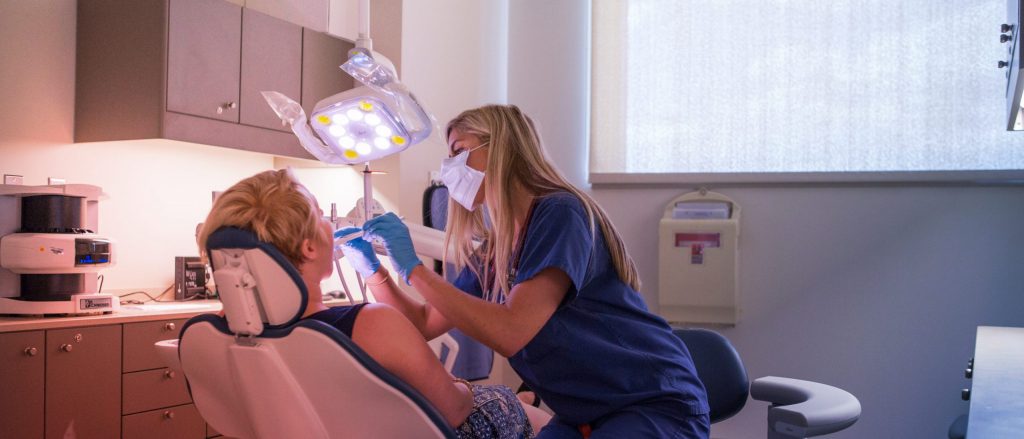
UConn’s Special Program in Dental Medicine links undergraduate preparation with four years of dental education, resulting in dual degrees from UConn: a BA/BS and a DMD. Students focused on a career in dental medicine have the opportunity to combine an undergraduate program in one of more than 125 majors with dental education. The program, designed as an eight-year curriculum, provides flexibility to accommodate individual choices should a student decide to accelerate undergraduate efforts, or take an extra year to graduate. Students will be connected with the School of Dental Medicine during their undergraduate careers through special seminars, health-profession events, and mentoring opportunities to further enrich the undergraduate experience and strengthen preparation for the School of Dental Medicine.
All students admitted to the Special Program in Dental Medicine must be enrolled in the Honors Program upon entering UConn.
Application Requirements and Deadlines
Applicants must be entering as a first-year student and demonstrate exceptional performance in academics, including advanced preparation in mathematics and laboratory sciences, and a strong commitment to the dental profession. There are no state residency requirements, although Connecticut residents will receive special consideration. UConn is committed to attracting members of underrepresented populations for its programs.
To be considered, an applicant should have:
- An overall secondary school grade point average of 3.5 (4.0 scale)
- A completed application including all supporting materials due by November 1
- A supplemental application and optional resume due by November 8
- Two letters of recommendation highlighting the applicant’s interest in dental medicine by November 8. These letters satisfy the optional recommendation letters towards your completed application to UConn.
Applicants must:
- Submit an application for admission in order to access the supplemental application in the applicant portal. Prior to accessing your applicant portal, you will need to activate your NetID and set your password if you have not already done so. Most applicants can expect to receive their NetID via email within five days of submitting the application; however, students who submit the application in August will receive their NetID in mid-September. All NetID-related questions may be sent to UConn’s Information Technology Services department by emailing techsupport@uconn.edu or by calling (860) 486-4357.
- Answer the program-specific questions and name recommenders on the supplemental application.
- Upload optional resume
- Refer to the statement on recommendation letters below for additional information.
Recommended length is 600-800 words per essay.
- Please briefly share the influences on your decision to pursue the field of dentistry, including shadowing experiences and other dental-related activities.
- Please describe your interests, activities, hobbies, etc., outside the area of health sciences.
- Why are you applying to the Special Program in Dental Medicine at the University of Connecticut?
Recommendation letters should address your current academic status, extracurricular achievements, personal qualities, and potential for future success in the dental medicine field and the community. Applicants will be asked to provide the name and email address of their recommenders as part of the supplemental application.
Recommenders will receive an email notification with detailed instructions on acceptable formats to submit their letter of recommendation.
School of Dental Medicine Requirements
In order to matriculate into the School of Dental Medicine, students must meet the following criteria during their undergraduate career:
- Maintain a college 3.5 cumulative science grade point average (4.0 scale);
- Receive a minimum score of 20 on the Academic Average and Total Science sections of the DAT;
- Complete course work in general biology, general chemistry, organic chemistry, physics, and biochemistry;
- Participate in clinical, research, and community service activities;
- Obtain a favorable interview result with the Dental School Admissions Committee at the beginning of the junior undergraduate year.